
iPhone and iPad · iOS 17 or later
Check
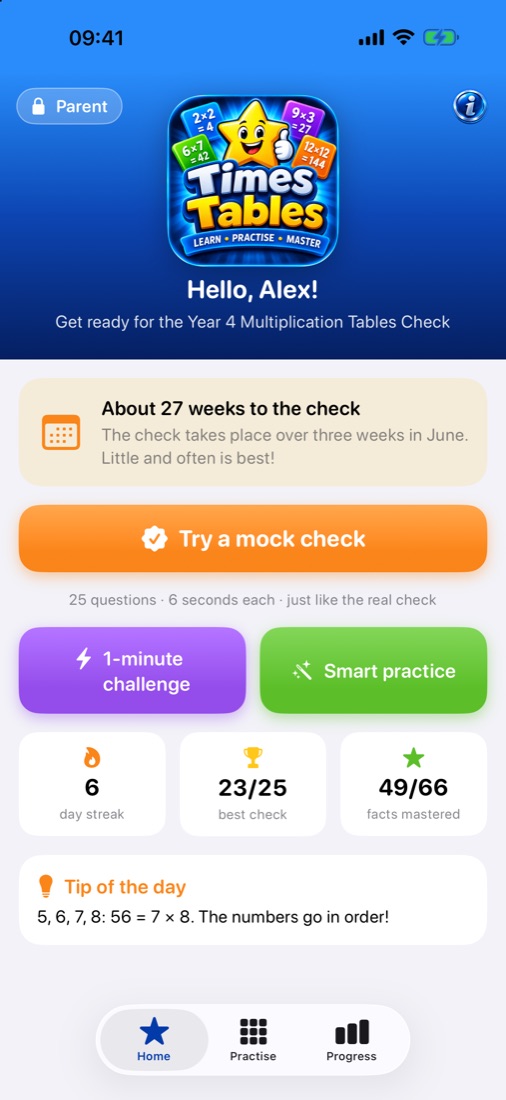
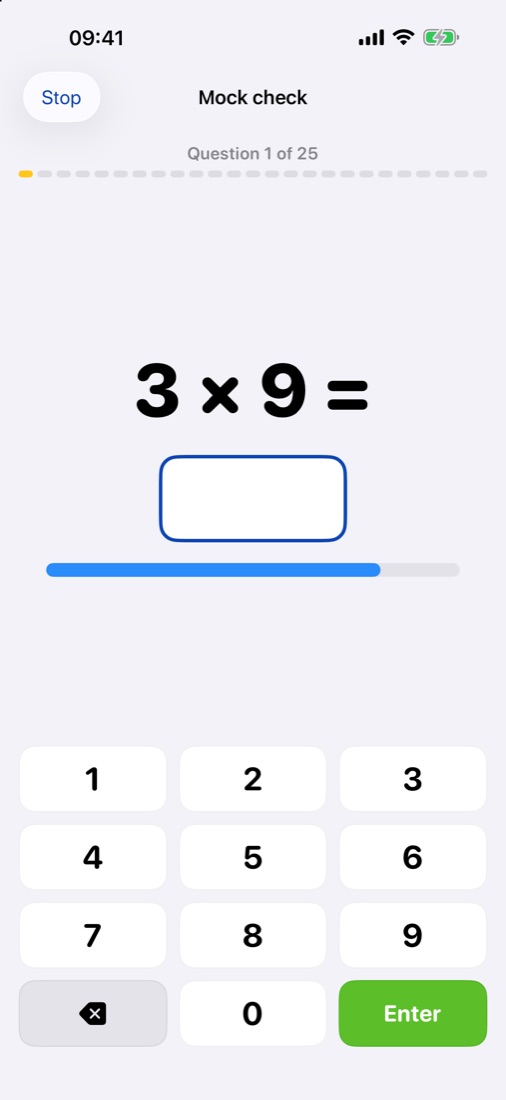
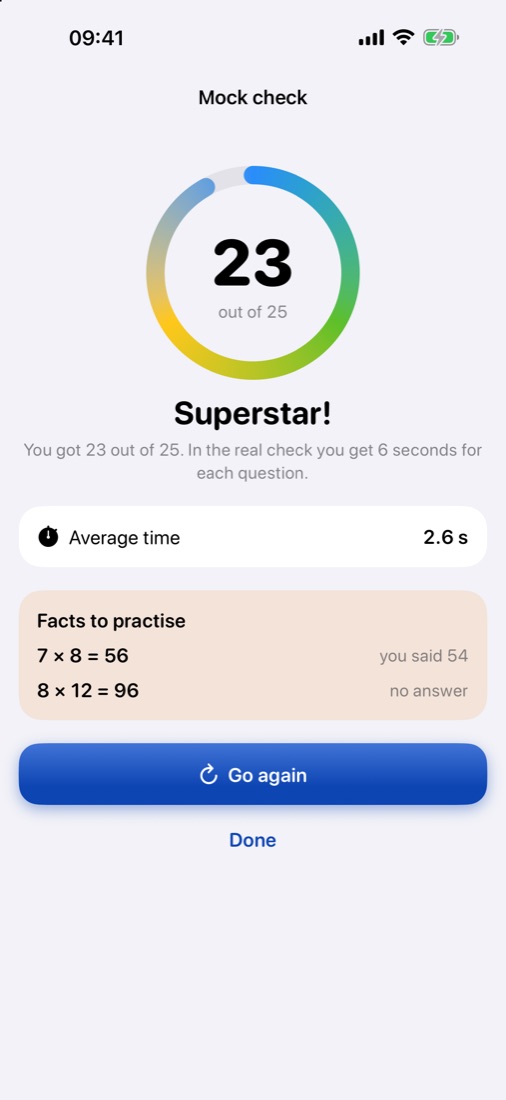
Get ready for the Year 4 Multiplication Tables Check, or build up to it from Year 2. Try mock checks that work just like the real one: 25 questions, 6 seconds each, on a number pad. Then practise the facts your child finds hardest, little and often.
The app
See it in action
Features
Everything it does
Everything a Year 4 child needs to know their times tables quickly and confidently.
Years 2, 3 and 4
Set the level in the parent area. Year 2: the 2, 5 and 10 times tables. Year 3: adds 3, 4 and 8, with extra practice on them. Year 4: every table up to 12 × 12, ready for the check.
Mock checks
25 questions from the 2 to 12 times tables, 6 seconds each with a 3-second pause, answered on a number pad. Scored at the end, like the real check.
1-minute challenge
How many facts can you answer in a minute? Beat your best score.
Smart practice
Picks the facts your child finds hardest or hasn't tried yet, within their level.
Practise any table
Any table from 2 to 12, with or without the timer, with the right answer shown after each question.
Chant a table
Read along or listen to a table read aloud, then hide the answers and test yourself.
Progress
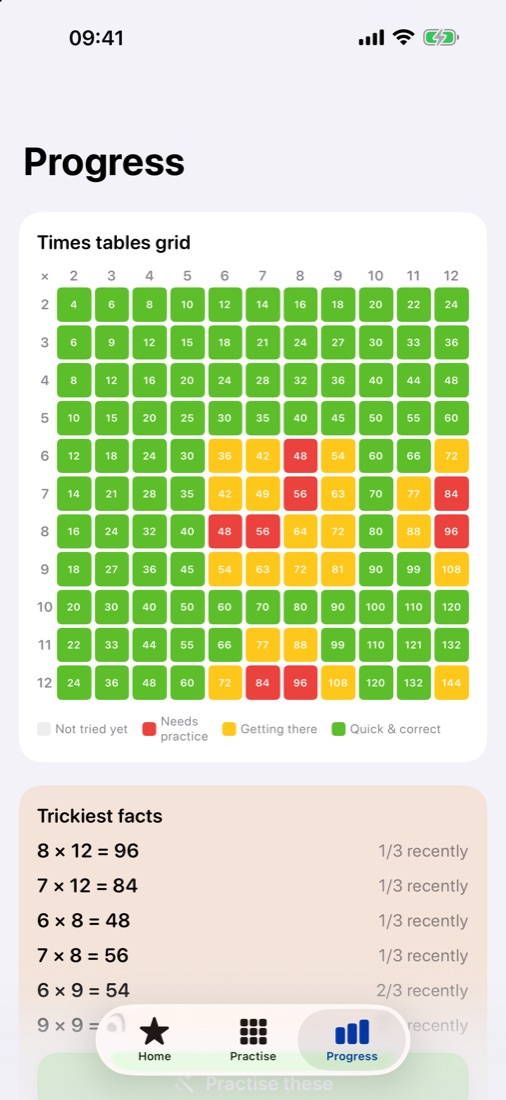
A 2 to 12 grid coloured by how well each fact is known, the trickiest facts, mock check scores and a daily streak.
Parent area
Behind a parent code: the guide to the check, useful websites and, if you want them, results emailed to you after each practice.
Privacy
Made for children, private by default.
Progress is stored on the iPhone or iPad. Nothing leaves it unless a parent turns on results emails in the parent area.
- No account, no sign-in, no analytics or advertising
- Results emails are optional, set up by a parent behind a code, and need the parent to confirm their address
- Every results email has a one-click unsubscribe