
iPhone · iOS 18 or later
Cam
Turn your iPhone into a dash camera. DashCam starts recording when you drive off, keeps the clips that matter after a bump or hard braking, and puts together the evidence your insurer needs.
Available now on the App Store for iPhone.
On the road
See it in action
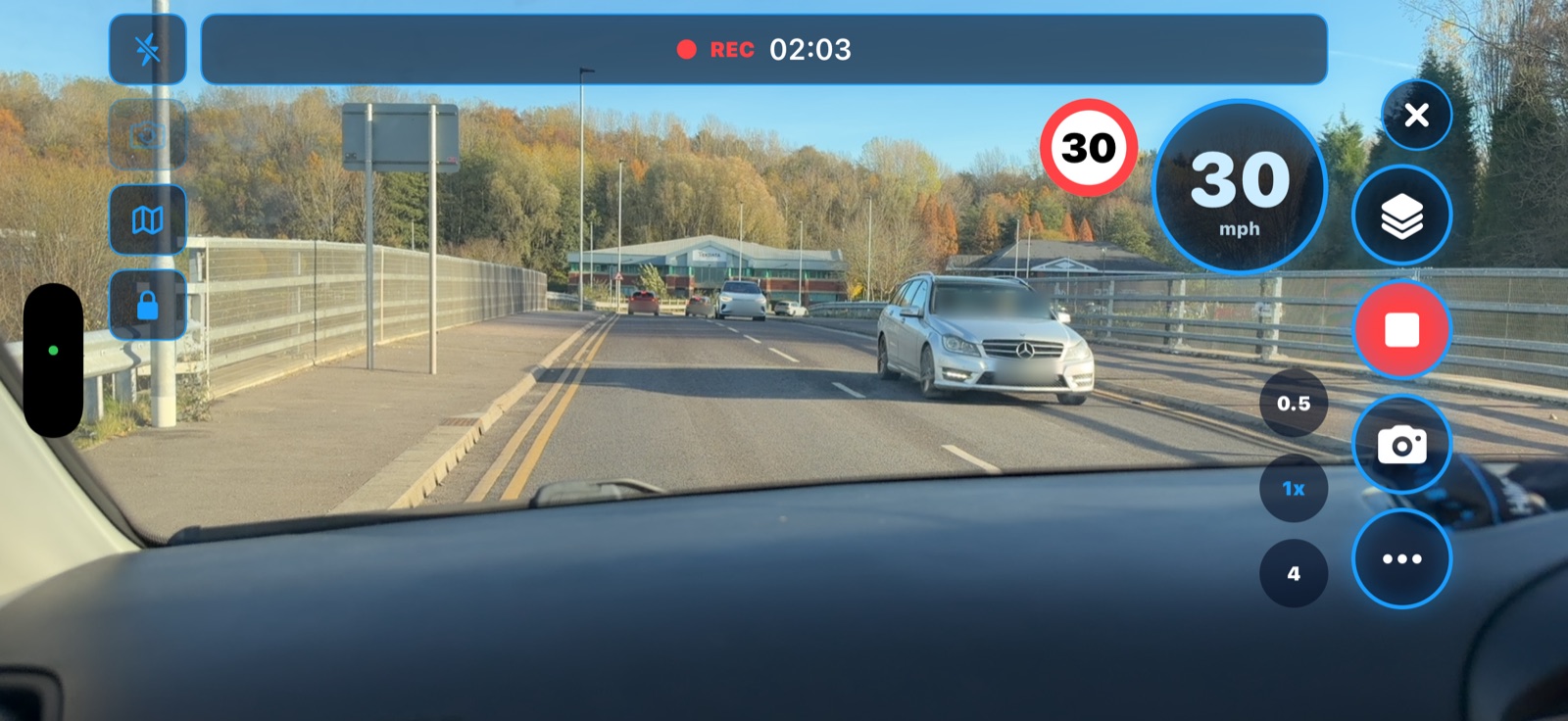
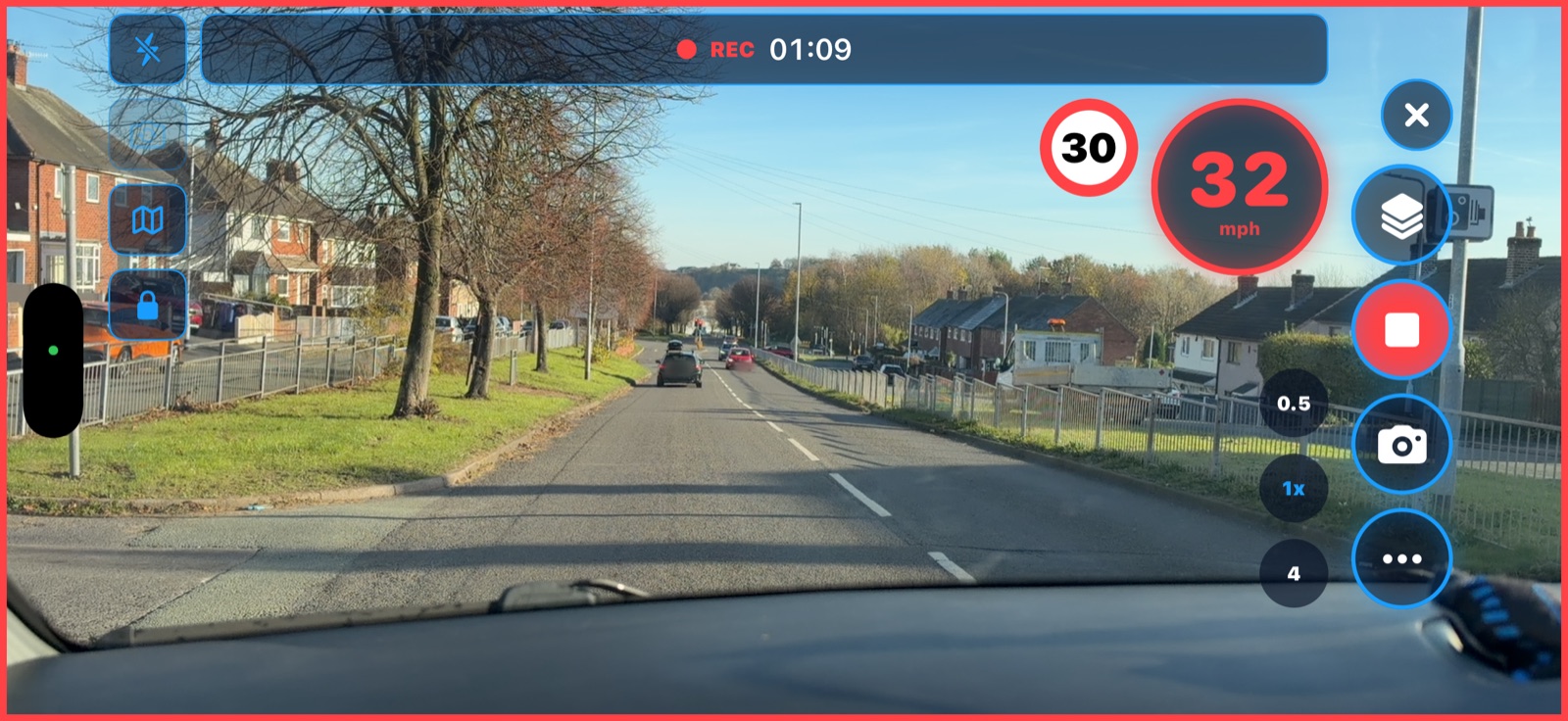
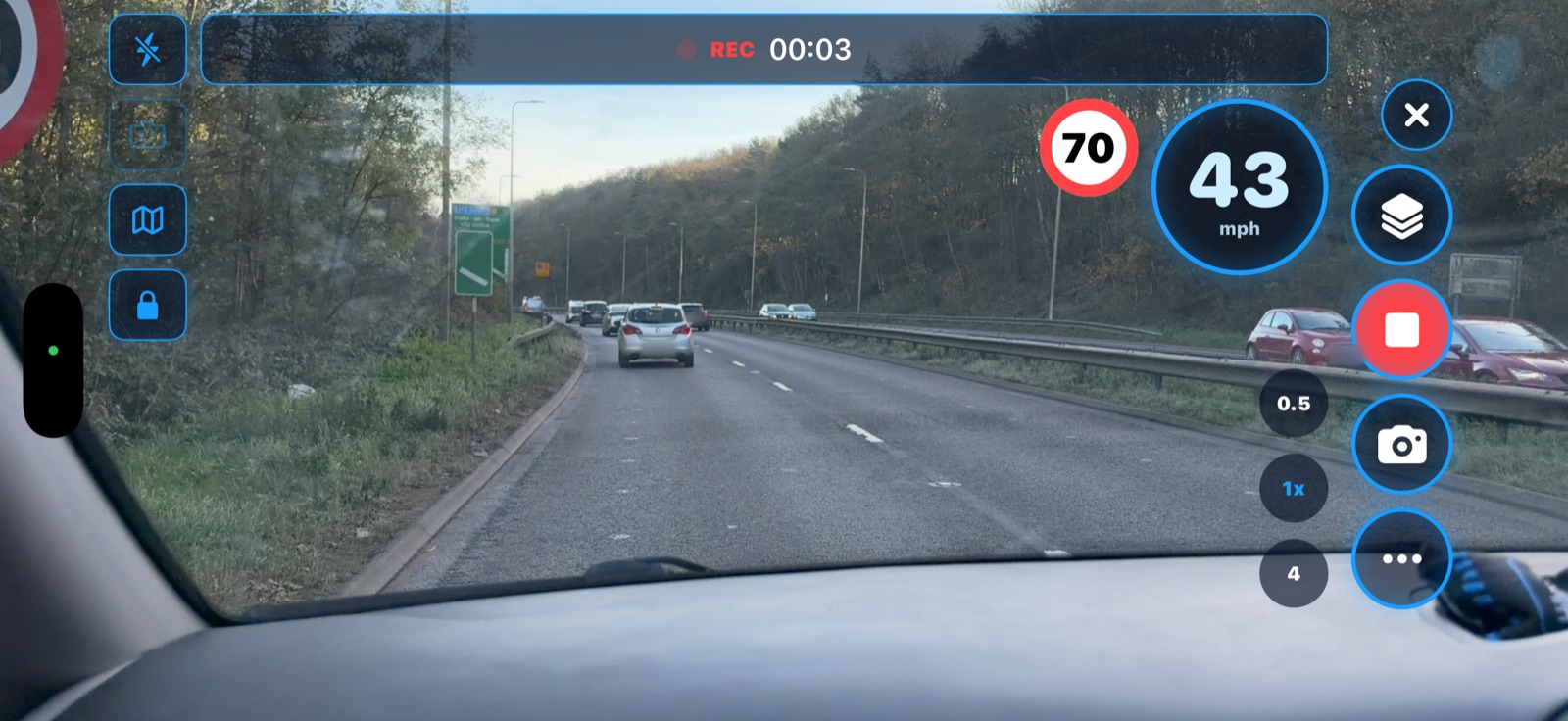
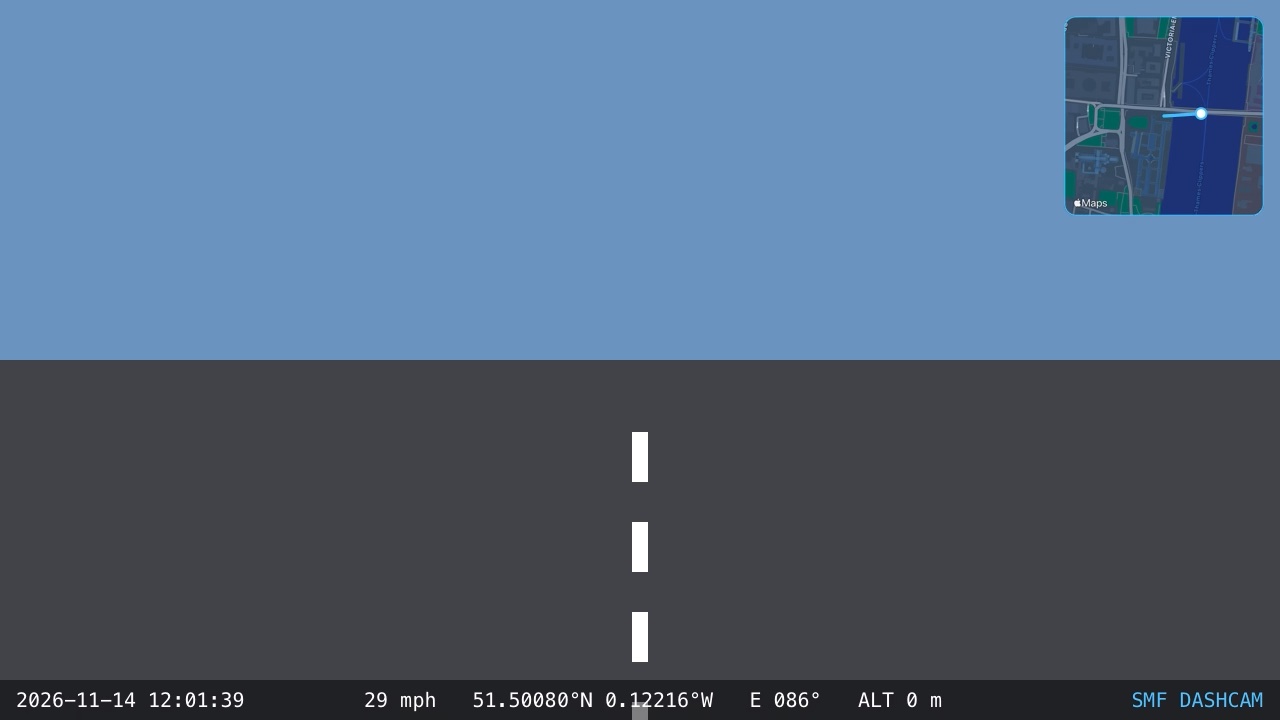
Real journeys, recorded with DashCam on an iPhone. Number plates have been blurred.
Features
Everything it does
Mount your iPhone in landscape, open DashCam and drive. Everything else happens on its own.
Records hands-free
Recording starts once the car is moving and saves in short clips, so a crash or a flat battery never costs more than a few seconds.
Loop recording
Choose how much space DashCam may use. Above that, the oldest clips are replaced. Locked clips are never removed.
Crash detection
An impact or hard braking locks the clip being recorded, the one before it and the moments after. You can also tap the lock button yourself.
Speed and speed limits
A large speed readout, plus the limit for the road you're on, taken from OpenStreetMap. Road signs always come first.
Evidence Pack
A PDF for your insurer, the police or a solicitor. It has the route, a speed graph, stills from each event and a SHA-256 fingerprint of every clip.
Trips and routes
Every journey has a route map, distance and events. Share the whole trip as one video, or export a GPX track.
Saves space
After a day, clips you didn't lock are shrunk to 720p, about a third of the size. This happens while you're not driving or overnight on charge.
Photos on the go
Take a geotagged still from the camera without stopping the recording.
Your files
Recordings are ordinary video files, also in the Files app under On My iPhone › DashCam.
Privacy
Your journeys stay yours.
Video, photos and trips are stored only on your iPhone. You decide what to share.
- No account, no sign-in, no analytics or advertising
- Nothing is uploaded. Clips leave the phone only when you share them
- Only the rough area you're in is used to fetch speed limits
Drive safely
Set it up before you go
- Mount your iPhone in landscape, with a clear view of the road and without blocking your view.
- Open DashCam and allow the camera and location. Microphone access is optional.
- Drive. Recording starts on its own, so you never need to touch the phone while driving.
Keep your iPhone on charge for long journeys. Speed limits are a guide only. They can be missing or out of date, so always follow the road signs.